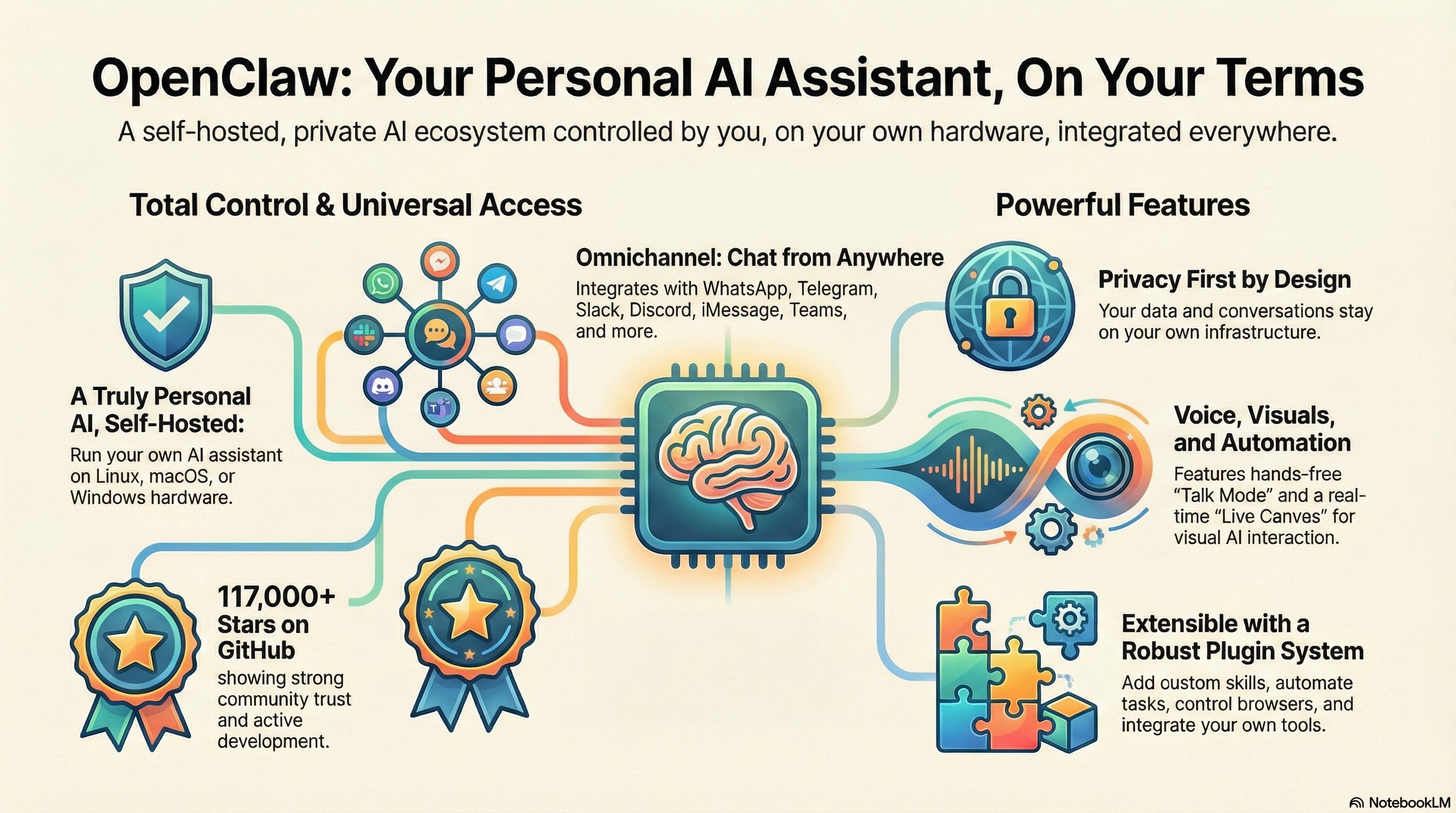
Ever wanted an AI assistant that works on your terms? Meet OpenClaw – an open-source project that lets you run a personal AI assistant on your own hardware, connecting to all the messaging platforms you already use. Perfect for: Developers and power users who value privacy, customization, and control over their AI tools.
Why OpenClaw? Link to heading
Instead of being locked into a single AI service, OpenClaw gives you complete control. It’s a self-hosted assistant that integrates seamlessly with WhatsApp, Telegram, Slack, Discord, Signal, iMessage, Google Chat, Microsoft Teams, and more. Think of it as building your own ChatGPT that lives where you actually communicate.
What Makes It Special? Link to heading
Privacy First: Your data stays on your infrastructure. Run it on Linux, macOS, or Windows (via WSL2) and keep full control over your conversations and information.
Omnichannel Access: Talk to your assistant from anywhere – messaging apps, native macOS/iOS/Android apps, or a web interface. One assistant, every platform.
Voice & Visual: Includes voice wake functionality and “Talk Mode” for hands-free interaction, plus a “Live Canvas” where the AI can create and manipulate visual interfaces in real-time.
Security by Default: Unknown senders need to pair before accessing your assistant. Configurable permissions let you control exactly who can interact with it.
Extensible: Add skills, automate with cron jobs, control browsers, and integrate with your existing tools through a robust plugin system.
Under the Hood Link to heading
OpenClaw uses a WebSocket-based “Gateway” as its control plane, connecting AI models (Claude, GPT) to your communication channels. It’s built with Node.js and TypeScript, offering both direct execution and sandboxed Docker environments for security-conscious deployments.
With over 117,000 stars on GitHub and active development, OpenClaw has become the go-to solution for developers who want AI assistant capabilities without sacrificing privacy or control.
Getting Started Link to heading
npm install -g openclaw@latest
openclaw onboard --install-daemon
The onboarding wizard walks you through setup, making it surprisingly straightforward to get your personal AI assistant running.